The guest app, in your colours.
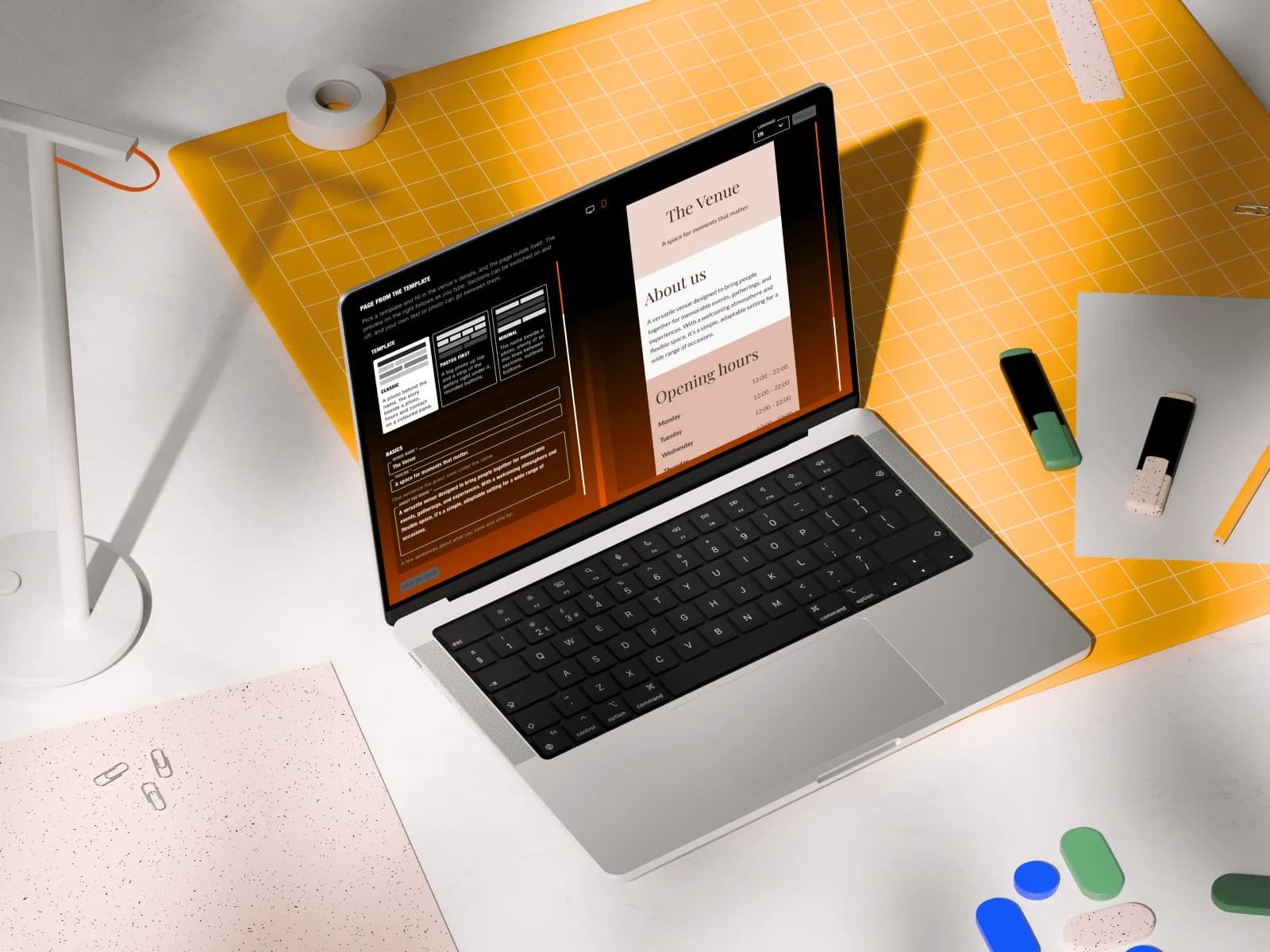
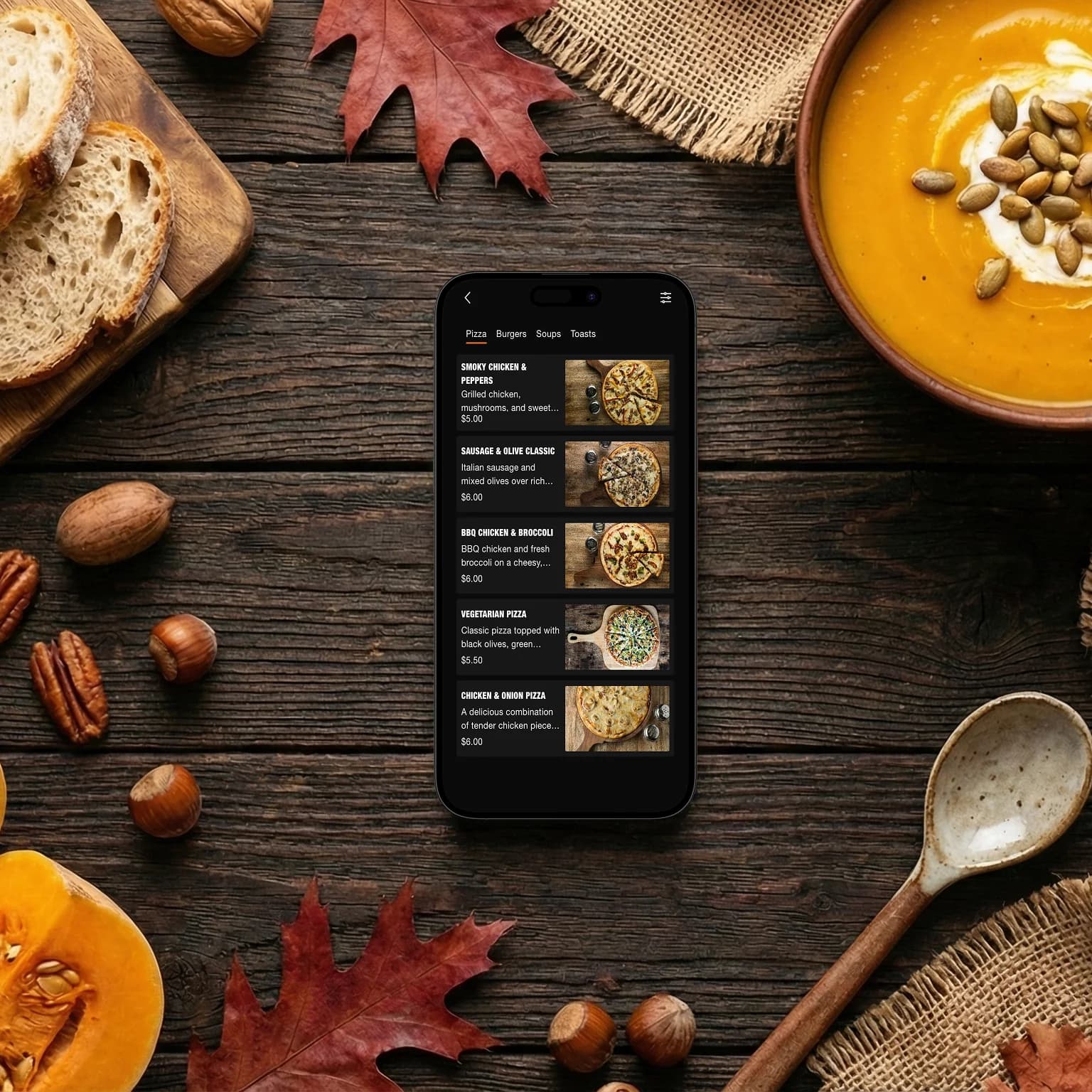
What guests see after the scan is yours to shape — from the logo at the top to the colour of the pay button.
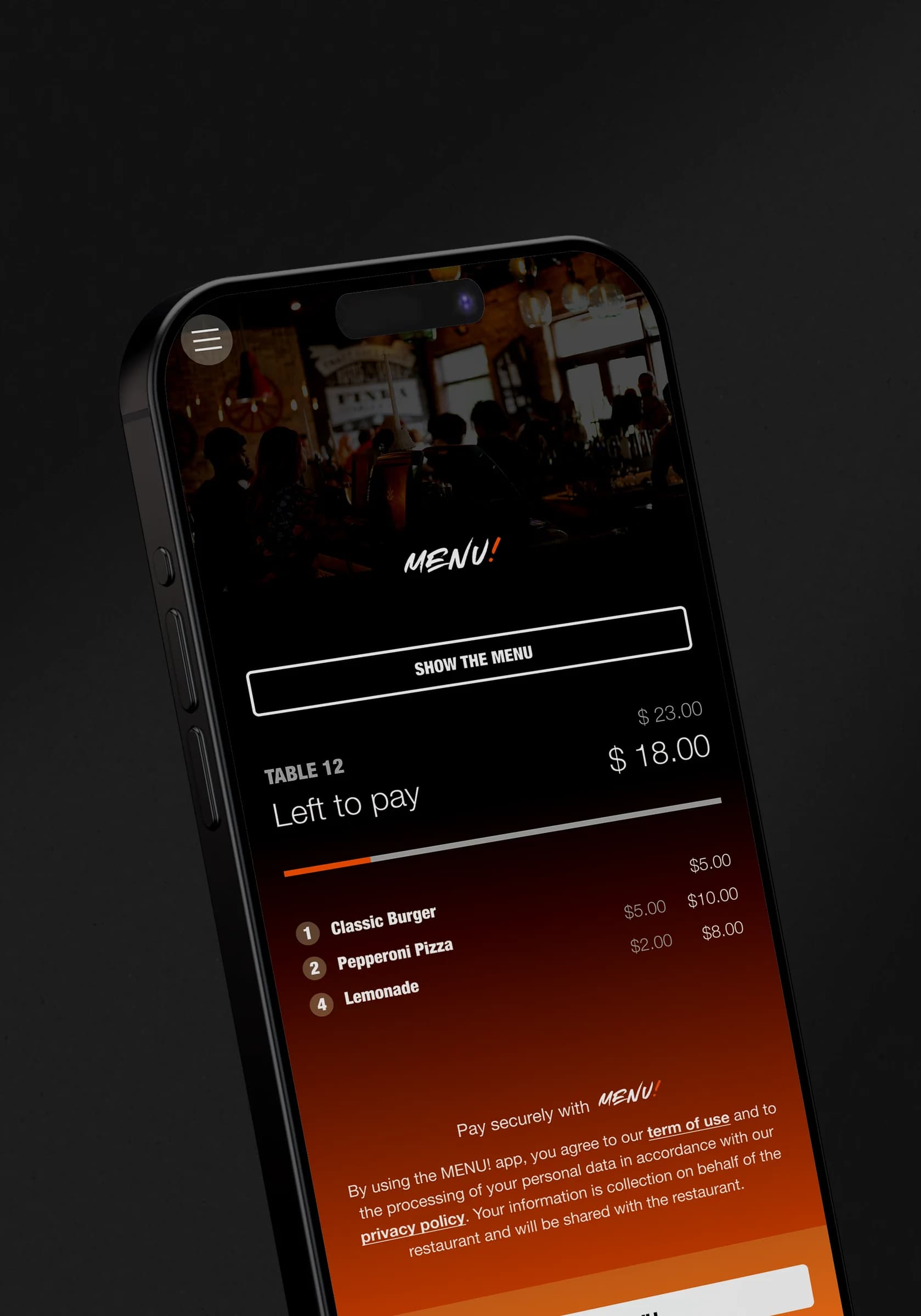
Logo and background
Upload your logo and a photo of the venue; they frame every screen of the guest app.
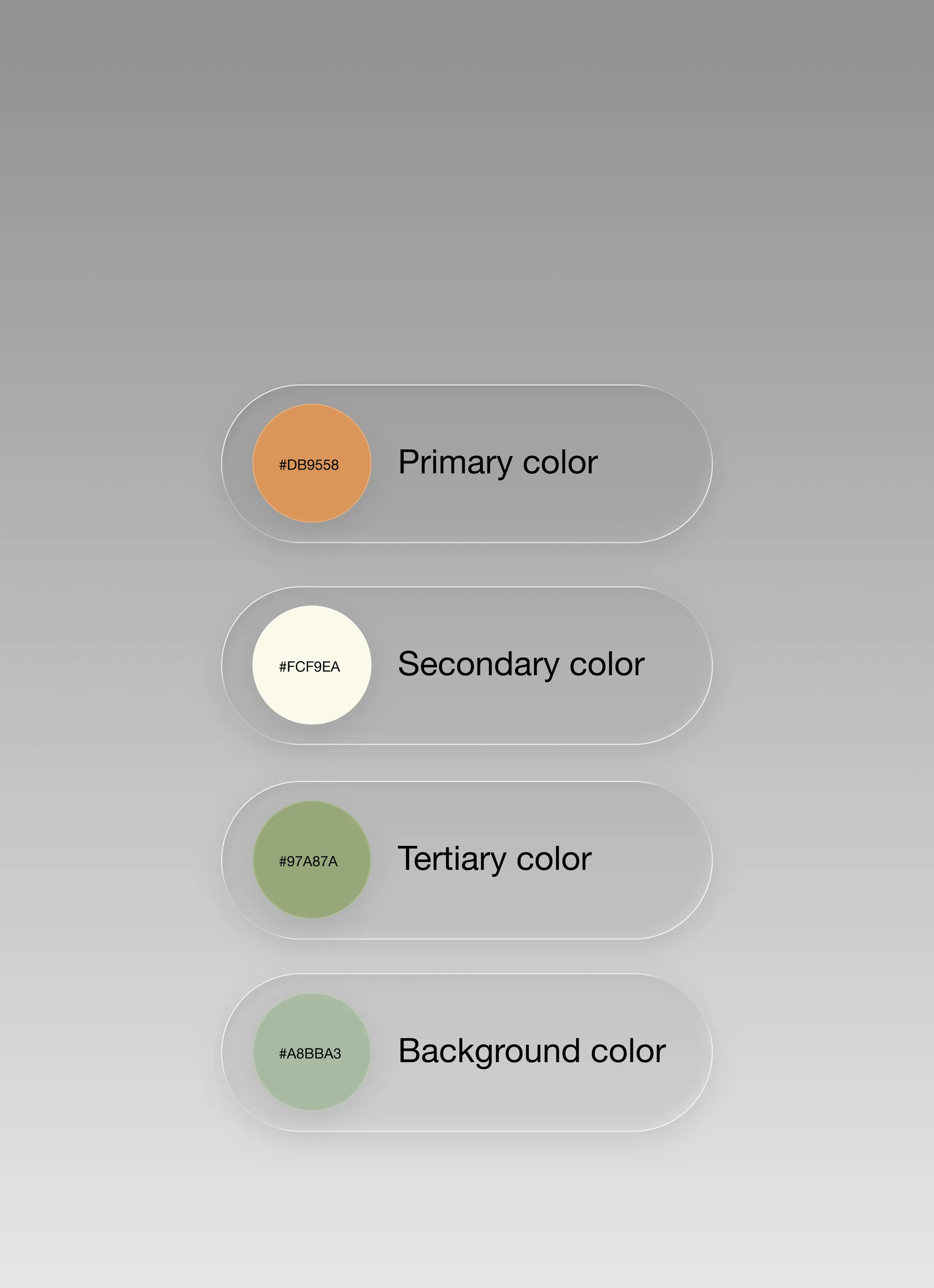
Four-colour scheme
Primary, secondary, tertiary and background colours drive the whole app — set each by hand.
Link to your website
A "visit our website" link on the venue page sends guests to your site — or to the one built with MENU!.
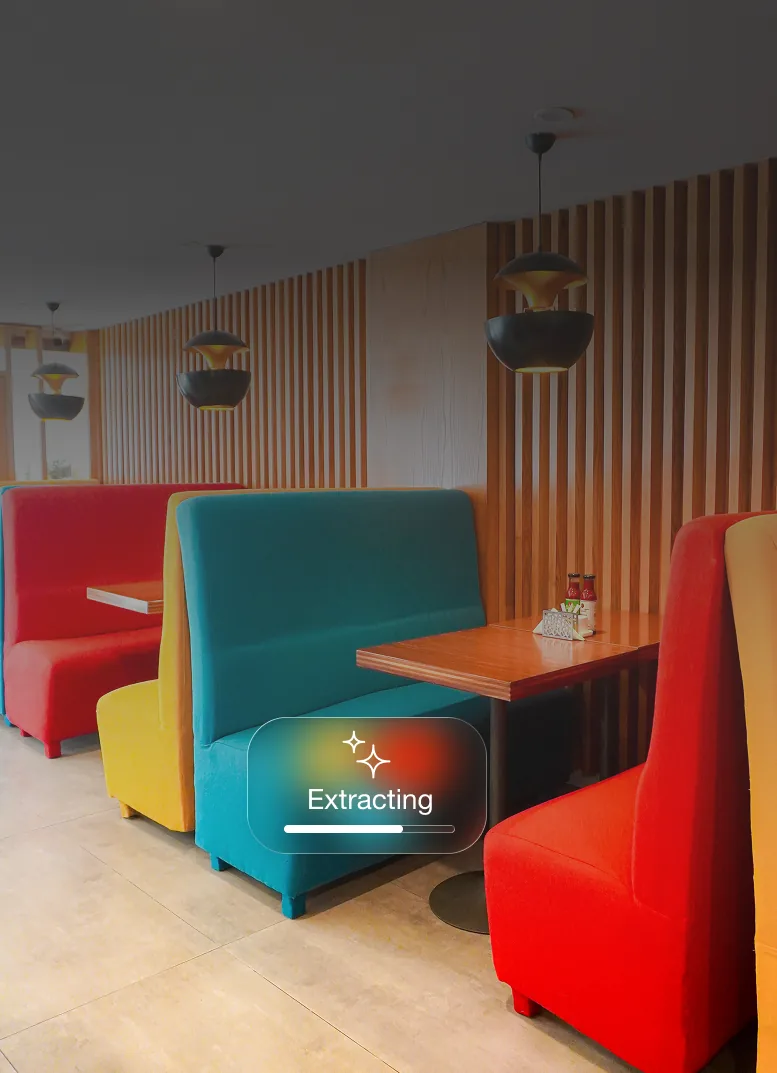
Palette from a photo
Drop in a photo or your logo and the AI reads the main colours out of it. Adjust anything you like afterwards.

Live preview, then publish
A phone next to the form shows every change as you make it. Nothing reaches guests until you publish.
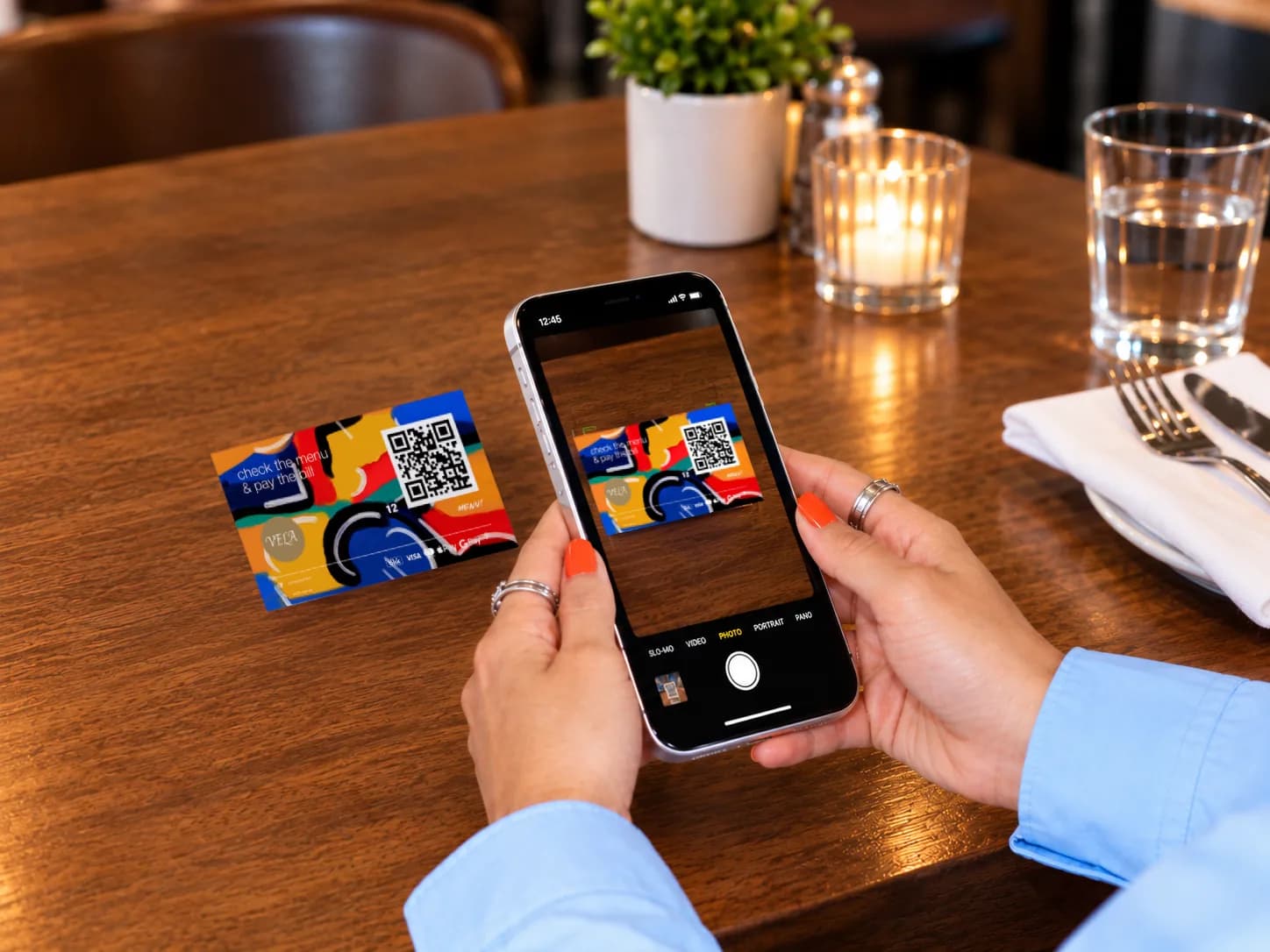
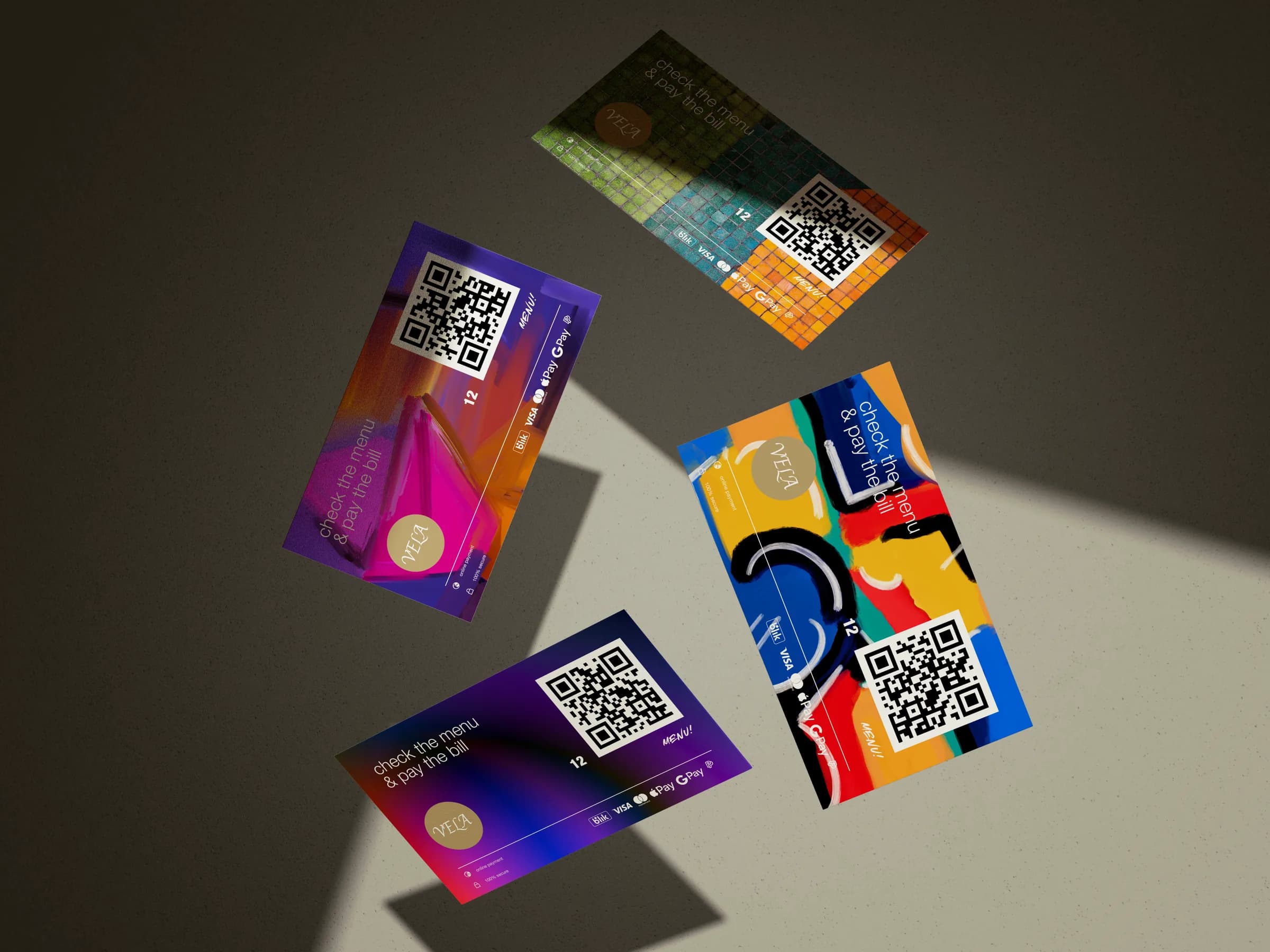
QR cards that match the room.
One card per table, designed in the dashboard and printed on a sheet — no print shop needed.
- 01
Pick a shape and size
Square, round, vertical or horizontal, left- or centre-aligned, in any dimensions you enter.
- 02
Make it yours
Content, background and contrast colours, a photo background, your title and description — in Polish or English.
- 03
Print the sheet
Choose the page size, how many cards per page and the gaps in millimetres, then print every table at once.
Be the first to get access.
We’re launching soon. Leave your details and we’ll reach out as soon as we’re ready for you — no commitment.
Everything your restaurant needs, connected.
Beyond QR payments, unlock digital menus, real-time analytics, review growth, and smarter tipping—built to work together in one seamless system.