One roster, three ways to read it.
Fill a week, spot the gaps, and total the month — every change saves itself.

Grid view
A person per row: the fastest way to fill a whole week.
Calendar view
Shifts plotted against the clock by day, week or month, so overlaps and gaps are obvious.
Payroll view
Hours and pay totalled for the month, ready to hand over.
Drag to move a shift
Move or resize a shift and the roster updates; overlapping shifts are refused.

Saves itself
No save button — every confirmed change is written moments later, and anything that failed stays offered for another try.
Export the week
Send the schedule out as a file your team can print or share.
Pair a device in a minute.
Tablets, phones and receipt printers join your venue without an IT visit.
- 01
Generate a code
Create a registration code in the dashboard and assign it to a user.
- 02
Enter it on the device
Open the app on the tablet or phone and type the code — it pairs with your venue.
- 03
Add a printer
Connect a receipt printer in the app's settings and the device is ready to take orders.
Be the first to get access.
We’re launching soon. Leave your details and we’ll reach out as soon as we’re ready for you — no commitment.
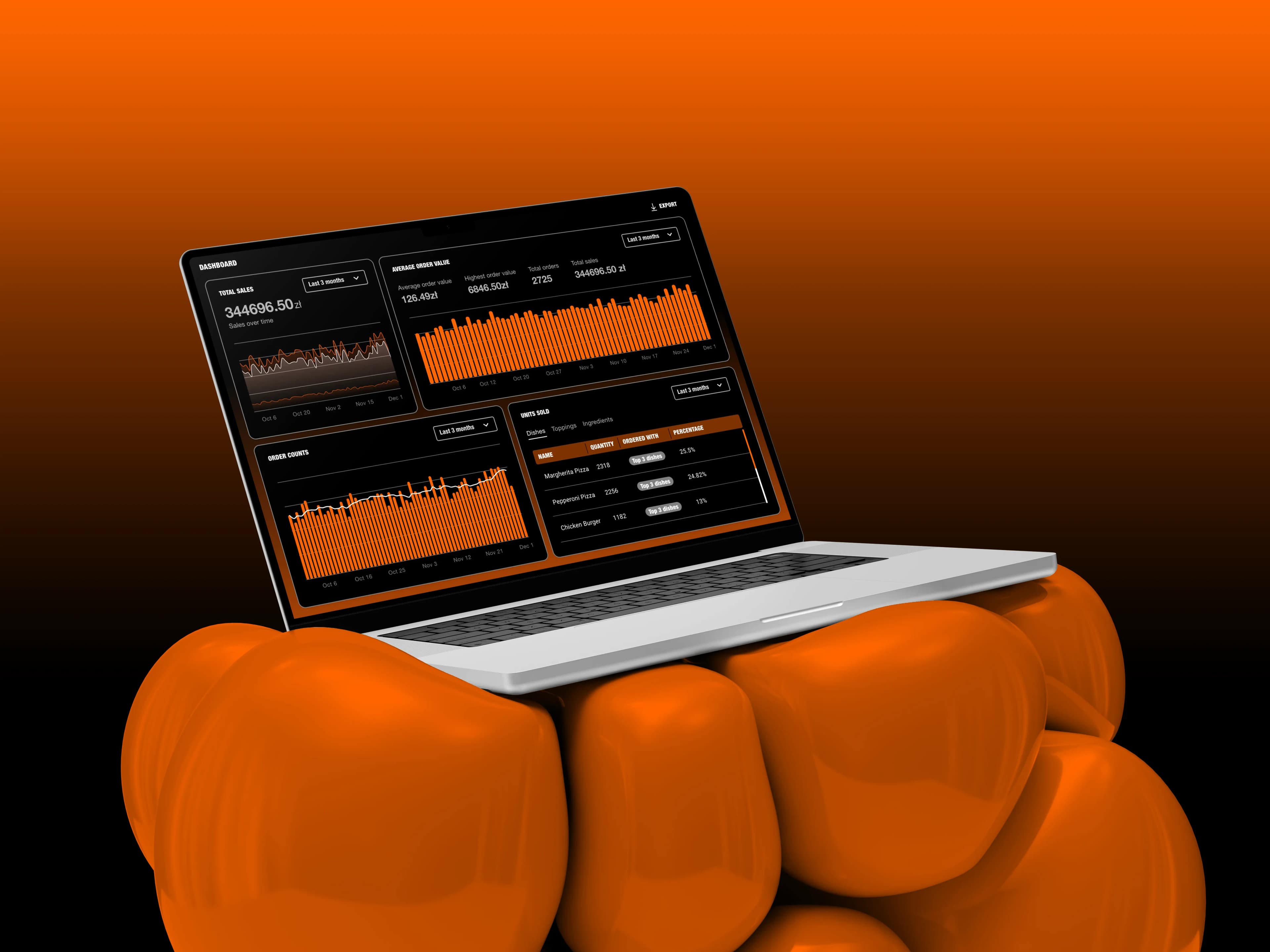
Everything your restaurant needs, connected.
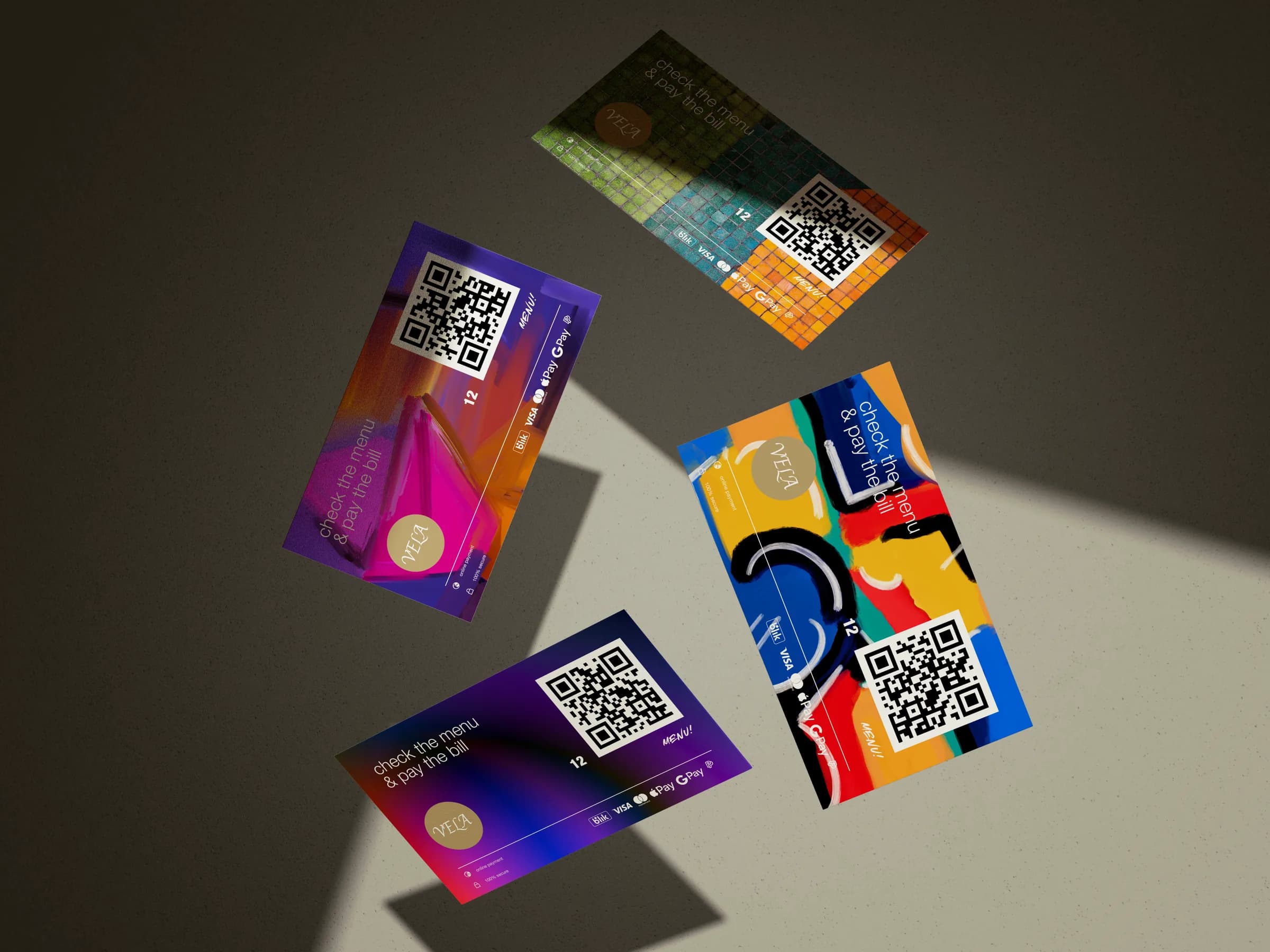
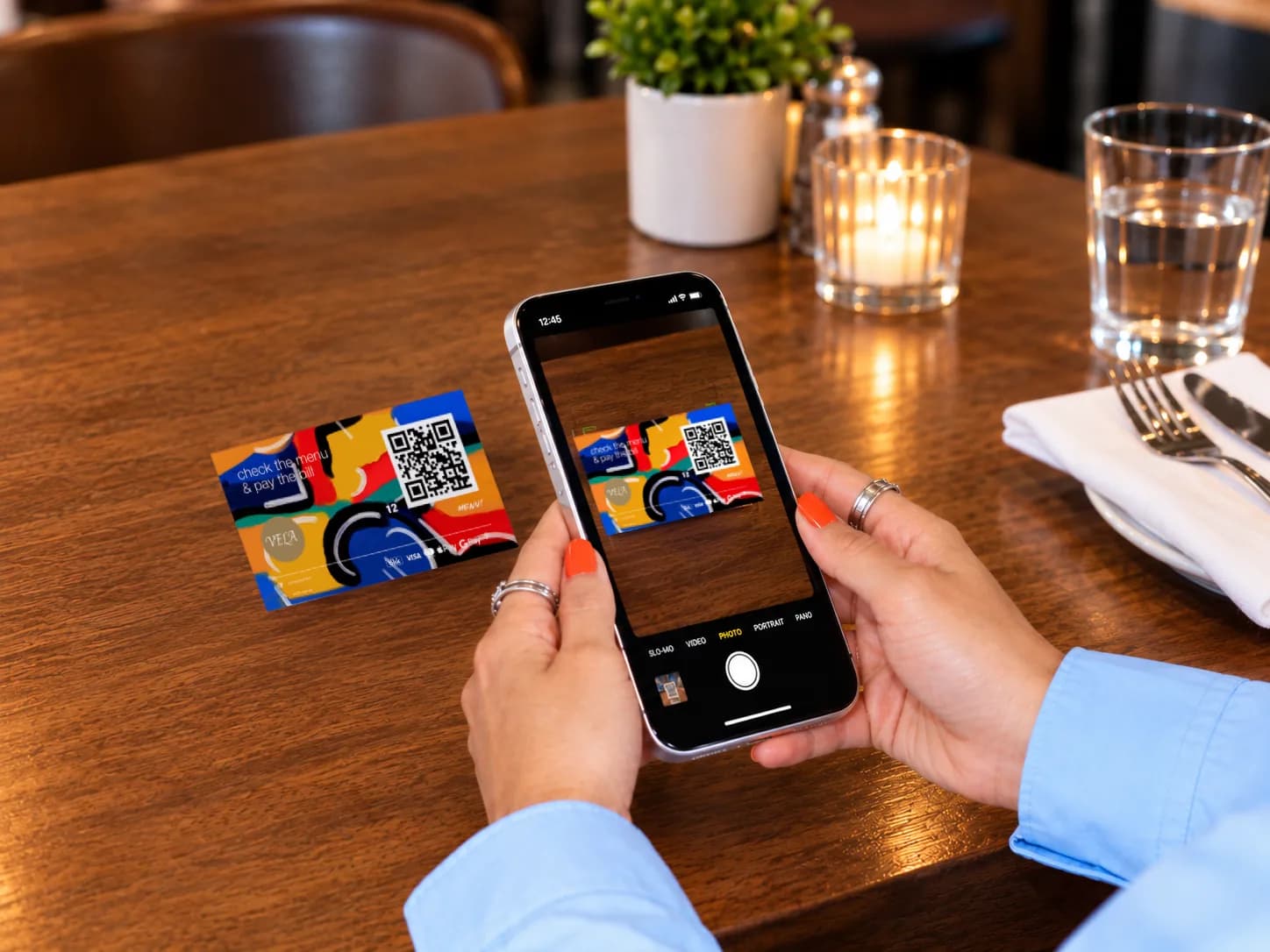
Beyond QR payments, unlock digital menus, real-time analytics, review growth, and smarter tipping—built to work together in one seamless system.